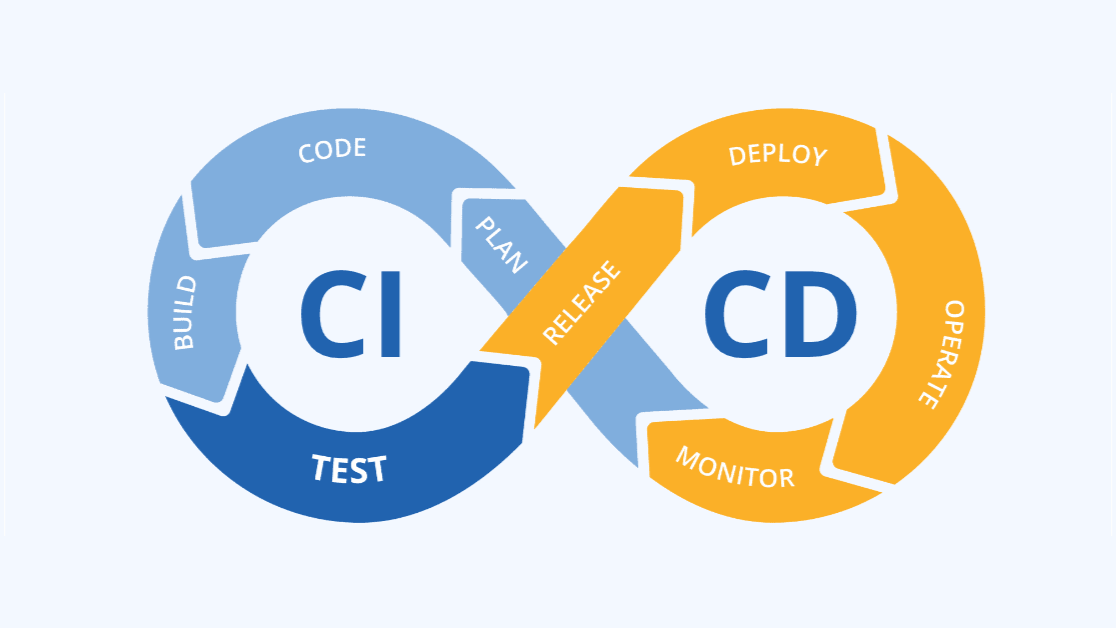
Done with manually deploying your application every time you make a small change to your codebase? Then it might be time to get to know CI/CD! In this blog post, we'll dive into what it means, the fundamentals of how it works, and how to set it up in your own Laravel application.
What Is CI/CD?
In simple terms, CI/CD (Continuous Integration and Continuous Development) is the practice of automatically building, testing and deploying changes to a codebase.
This way, a team doesn't have to manually SSH into the server to apply changes every single time a new feature is built, run tests that could sometimes take hours on every merge, and just focus on the building part.
Continuous Integration
This is the tests and building part.
Let's say you want to push a new feature to the main branch of your repository. Instead of having to leave open your PC to run the tests before merging it, the server already does this for you, automatically. So by the time you actually want to merge your changes to that branch, you already have your results.
Continuous Deployment
Great, all your tests passed! Now you can safely merge your new feature to your main branch.
Well of course you want your users to make use of this new feature as soon as possible, hm? While you could just SSH into your server by yourself, fetch the new changes, run migrations, all that repetitive work, yourself, you can actually automate this.
This is continuous deployment. Every time a new feature is merged to the main branch, it applies these changes to your production server, without you needing to do a single thing but watch.
Why Do I Need CI/CD?
Well this is all optional of course. If it's something you don't mind doing, then sure, why not.
However, it is more reliable to automate this work. Why should you automate these things? Some benefits are:
- deploying code this way is more reliable
- saves a surprising amount of time
- it makes life easier for you and your team
- ...
This also has some downsides, such as being dependent on those CI/CD systems (GitHub Actions, other third parties, etc.), and it requires initial investment and maintenance.
Available Tools For This
If you're still reading this, I'm guessing that you're interested in giving this CI/CD thing a shot. Some popular choices are:
- GitHub Actions: If you're already hosting your repositories on GitHub, then Actions keeps you nicely in the GitHub ecosystem. It offers great reliability and very user-friendly information about your builds, tests, deployments, etc. Though it is a bit limited since this is more focused for smaller applications. It has free tiers though!
- Azure DevOps: If you work in a large team, or already integrated in the Microsoft ecosystem, this is also a great option. Great support for Microsoft services. While it works fine, you're locked into the ecosystem even harder, and it also has a steeper learning curve.
- GitLab CI/CD: Also a great option for all-in-one platform integration, it has built in security testing and native container/Kubernetes support. It does come with a higher cost for advanced features and you're also locked into their ecosystem.
Laravel And CI/CD
Laravel doesn't ship a built-in CI/CD pipeline, but its ecosystem gives you the pieces to build one, plus a couple of first-part hosting/deployment products:
- Pest or PHPUnit for testing. Any CI runner can just run that command
- Laravel Forge can handle deployment scripts triggered by a git push or webhook
- Laravel Cloud as a managed hosting/deploy platform
Not a lot, but the building bricks are there to build it yourself.
Wrapping Up
CI/CD is definitely something you want to give a shot. Doesn't matter if you're a one man stand, or you're a team of 20+ developers. It's something everyone will equally benefit from. While the initial setup may be a bit boring, it is definitely worth the pain.
Happy coding!